
Figma Review
Browser-native interface design with multiplayer editing, real design systems and a developer handoff mode built in.
| Category | Critic | Users |
|---|---|---|
| Useful value prop | Average | |
| Ease to set up | Average | |
| Price | Average | |
| Overall | Average |
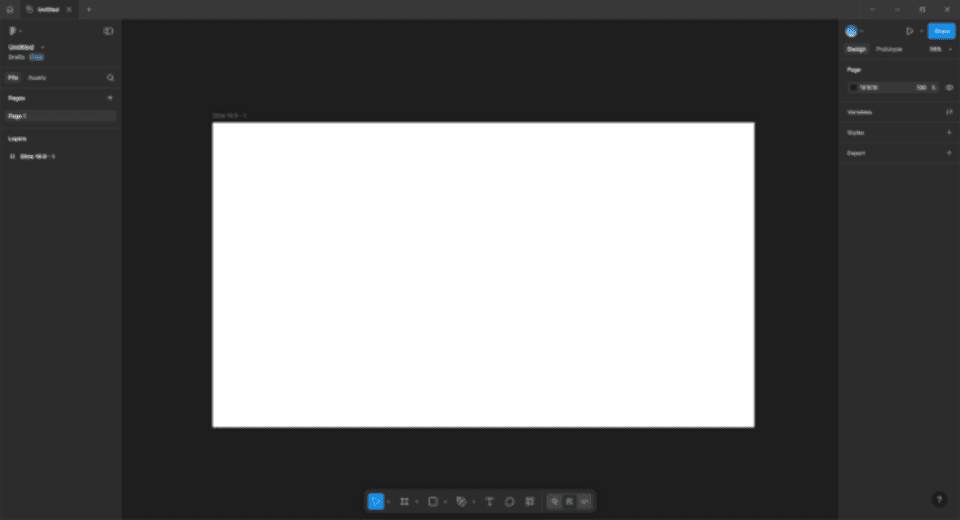
Figma runs interface design in the browser. Its original technical bet was rendering the canvas with WebGL and syncing edits through a multiplayer engine, so several designers can work in one file simultaneously and a stakeholder can open a link without installing anything. The design system tooling is why it stuck: components with variants and properties, shared libraries with versioned publishing, variables for colour, spacing and modes, and auto layout that behaves like flexbox rather than a grouping trick.
Dev Mode exposes measurements, tokens and generated code to engineers beside the design, while FigJam covers whiteboarding and Slides covers decks. Files version automatically and branch for larger changes. Pricing splits by seat type, with Full seats at $16 per month on Professional, Dev seats at $12 and Collab seats at $3, climbing steeply on Organization and Enterprise. Dylan Field and Evan Wallace founded the company in 2012. This entry carries a provisional placeholder grade: it has not been through a full graded review yet, so every letter here sits at a neutral C until it is.
Figma at a glance
Official site- Pricing model
- Per-seat subscription with Full, Dev and Collab seat types
- Price
- $16/full seat/mo (Professional)
- Platforms
- Web, macOS, Windows, iOS, Android
- Founded
- 2012
What’s your grade?
Grade by category
No account needed. Sign in so your grades follow you and count once. · how vote integrity works
Comments
Plain text, 500 characters. Be sharp, not cruel.
No comments yet. Have the first take.